
Brick 1100 Games
Below is a list of classic games you can play on Brick 1100, with each game having its own gameplay and controls using the T9 keypad.
Snake
| Splash screen | Gameplay |
|---|---|
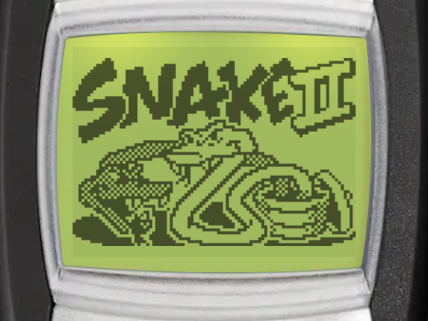 | 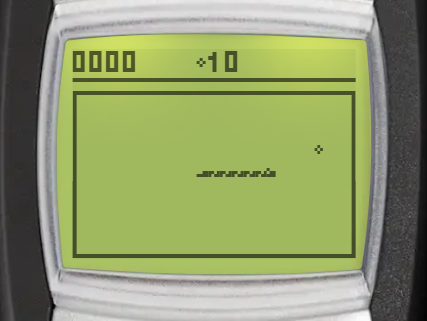 |
Goal
Make the snake grow longer by directing it to the food. The longer the snake gets, the more points you score.
Controls
 /
/  - pause game
 - move clockwise
 - move counter-clockwise
 - move up
 - move down
 - move left
 - move right
Space Impact +
| Splash screen | Gameplay |
|---|---|
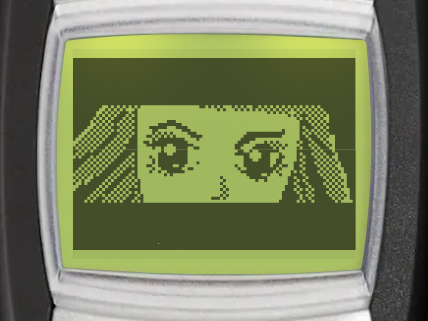 | 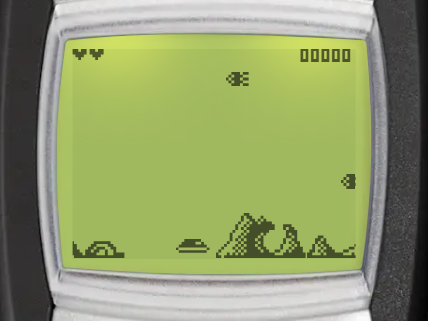 |
Goal
Destroy enemy ships and avoid their attacks to progress through levels, achieve a high score and unlock achievements.
Controls (Default)
- / - pause game
- - move up / jump
 - move down
 - move left
 - move right
 - fire main weapon
- - fire bonus weapon
Controls (Alternate)
- / - pause game
- - move up / jump
- - move down
- - move left
- - move right
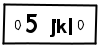 - fire main weapon
- - fire bonus weapon
Brick Breaker
| Splash screen | Gameplay |
|---|---|
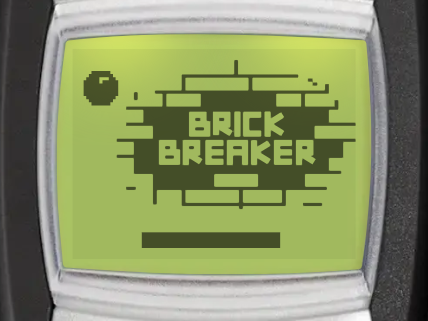 | 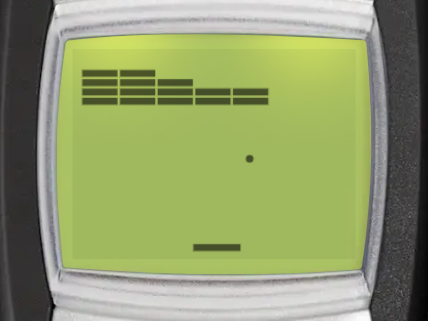 |
Goal
Clear the screen by breaking all the bricks with the ball to advance to the next level.
Controls
- / - pause game
- /
 / /
/ /  - move paddle left
 - / / /
 - move paddle right
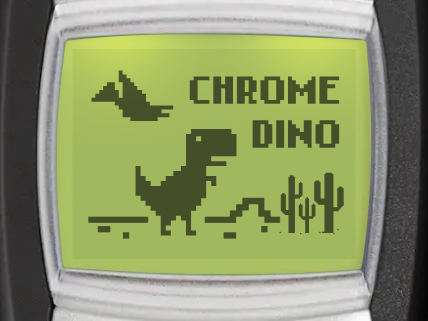
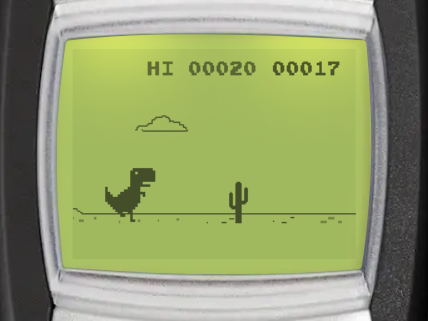
Chrome Dino
| Splash screen | Gameplay |
|---|---|
 |  |
Goal
Control the T-Rex to overcome obstacles. The longer you survive, the higher your score.
Controls
- - pause game
- / - jump
- / - duck
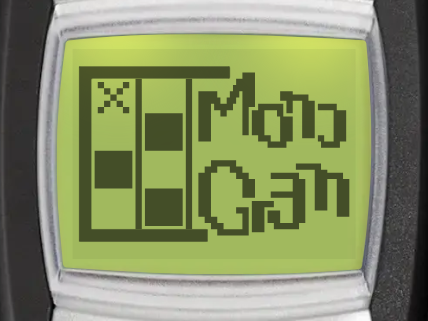
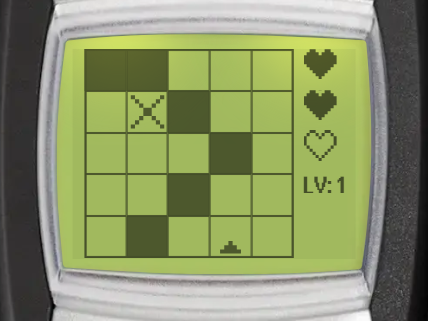
Monogram
| Splash screen | Gameplay |
|---|---|
 |  |
Goal
Leave blank or fill the grid cells until a pixel image appears to advance to the next level.
Controls
- - pause game
- - move the cursor up
- - move the cursor down
- - move the cursor left
- - move the cursor right
- - move the cursor to the previous cell
- - move the cursor to the next cell
- / - toggle cell fill
- - toggle cell hints (shows the number of filled cells in the row/column)
- - reset the grid
Rapid Roll
| Splash screen | Gameplay |
|---|---|
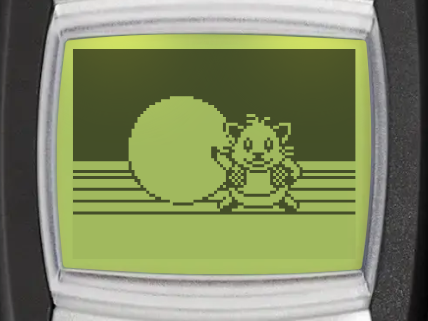 | 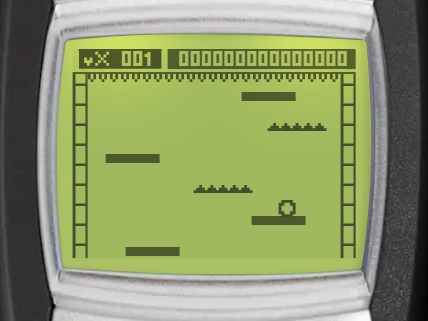 |
Goal
Move the ball to avoid spikes and land safely on platforms. The longer you survive, the higher your score.
Controls
- / - pause game
- - move left
- - move right
Tappy Duck
| Splash screen | Gameplay |
|---|---|
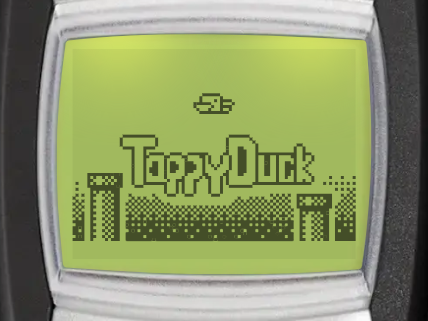 | 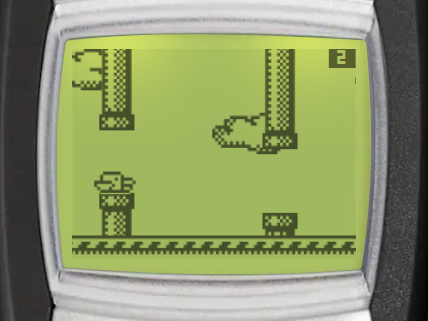 |
Goal
Fly the duck through the gaps between pipes. The longer you survive, the higher your score.
Controls
- - pause game
- Any key - flap wings / fly up
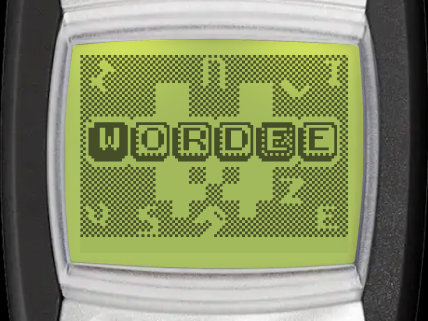
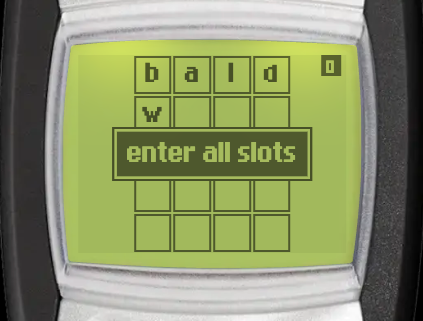
Wordee
| Splash screen | Gameplay |
|---|---|
 |  |
Goal
Guess a hidden 4-letter word within 5 tries. Filled letters are in the correct position, checkered letters are in the word but wrong position.
Controls
- / - change active slot
- / - scroll through letters for the active slot
- / - submit guess